Overview
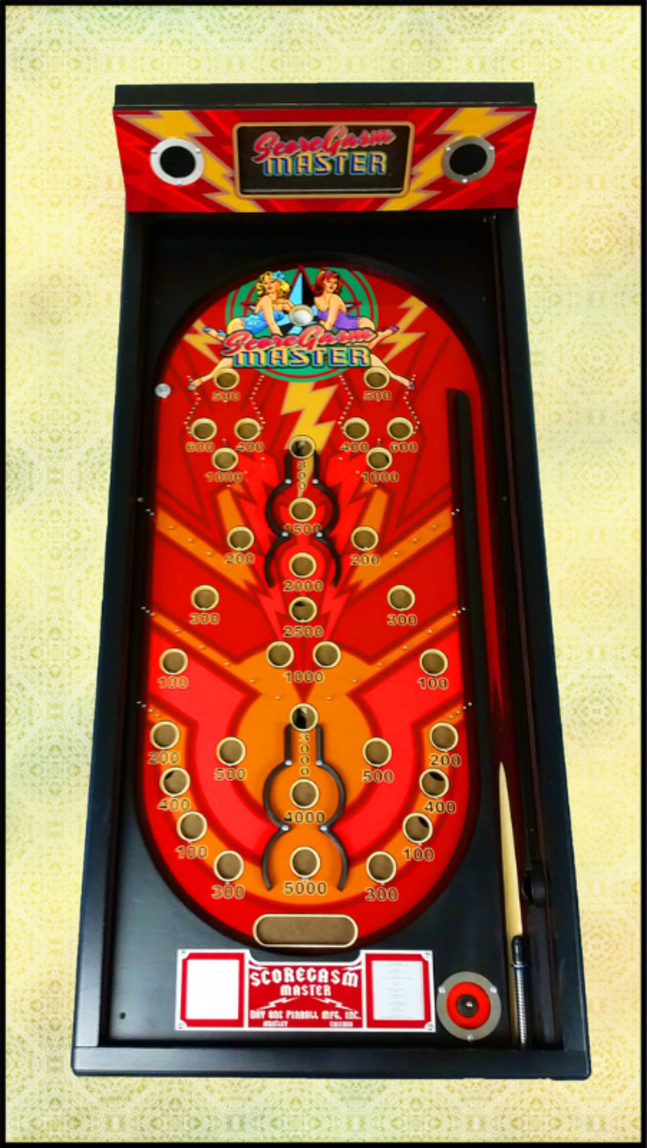
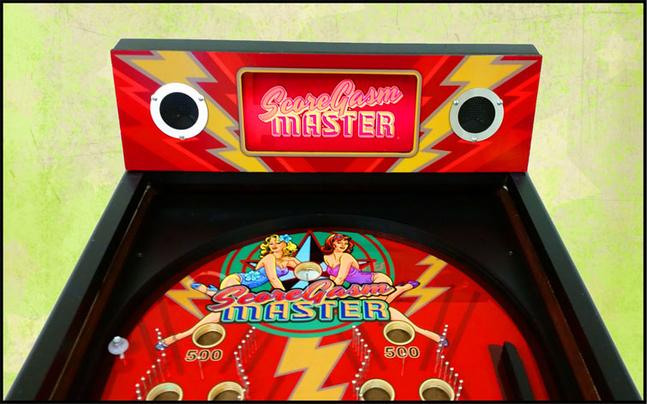
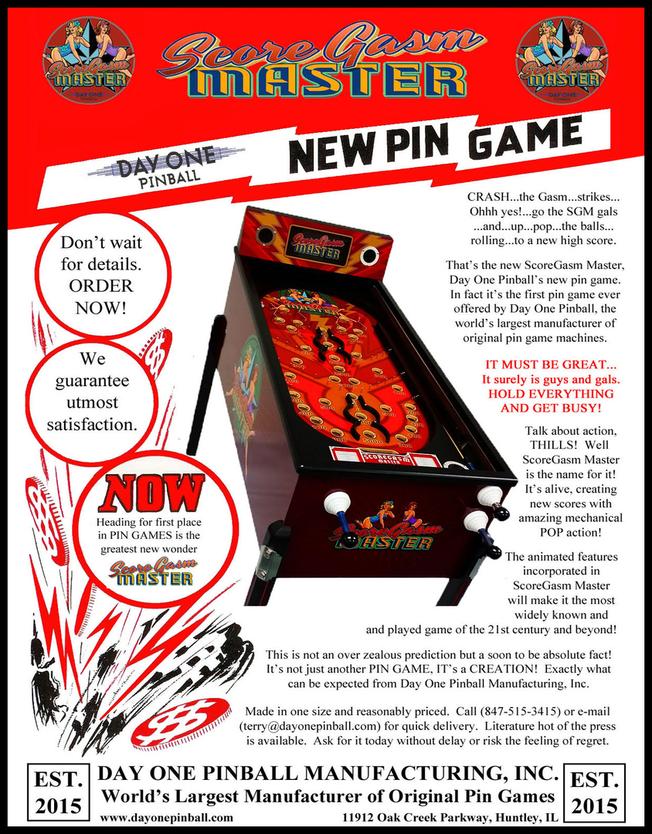
ScoreGasm Master is the first new production pin game in 78 years!
Release information:
ScoreGasm Master was revealed to the public for the first time at the Midwest Gaming Classic (MGC) on April 11th, 2015. We did not only have a finished game for everyone to see and play, but NIB SGM’s for sale as well.
The cost of a NIB ScoreGasm Master is $1995.



Music
Software
With ScoreGasm Master, we vowed to to make this machine as open source as possible. Below you will find the software restoration application (Windows computers only) and instructions on how to put your own songs into your ScoreGasm Master.
ScoreGasm Master uses a board called the “Wav Trigger”. This board was developed by Jamie Robertson (www.robertsonics.com). To add new songs to your ScoreGasm Master, follow the steps below.
1. Convert your Song you wish to add to a .wav format with the following parameters.
— 16 bit
— 44.1kHz
— Stereo
2. On your ScoreGasm SD card the files are all listed with a number prefixed to the file name followed by an underscore and then a file name. Example (001_SomeCoolSongName.wav). This number indicates the playing order of the tracks.
3. Prefix the name of your file with a number less than 099 and copy it to the SD card. This number should be unique to the numbers that already exist on the card. For instance, if you have a track named 001_Song1.wav, you should prefix your new track with the number 002_. The number also must be 3 digits long like the examples above, so make sure it starts with a 0.
4. Put the card back in the machine and restart it.
3D Parts
Being an open source project, we will be posting the most current STL files below for those of you that would like to 3D print your own replacement/upgraded parts.
Documents